
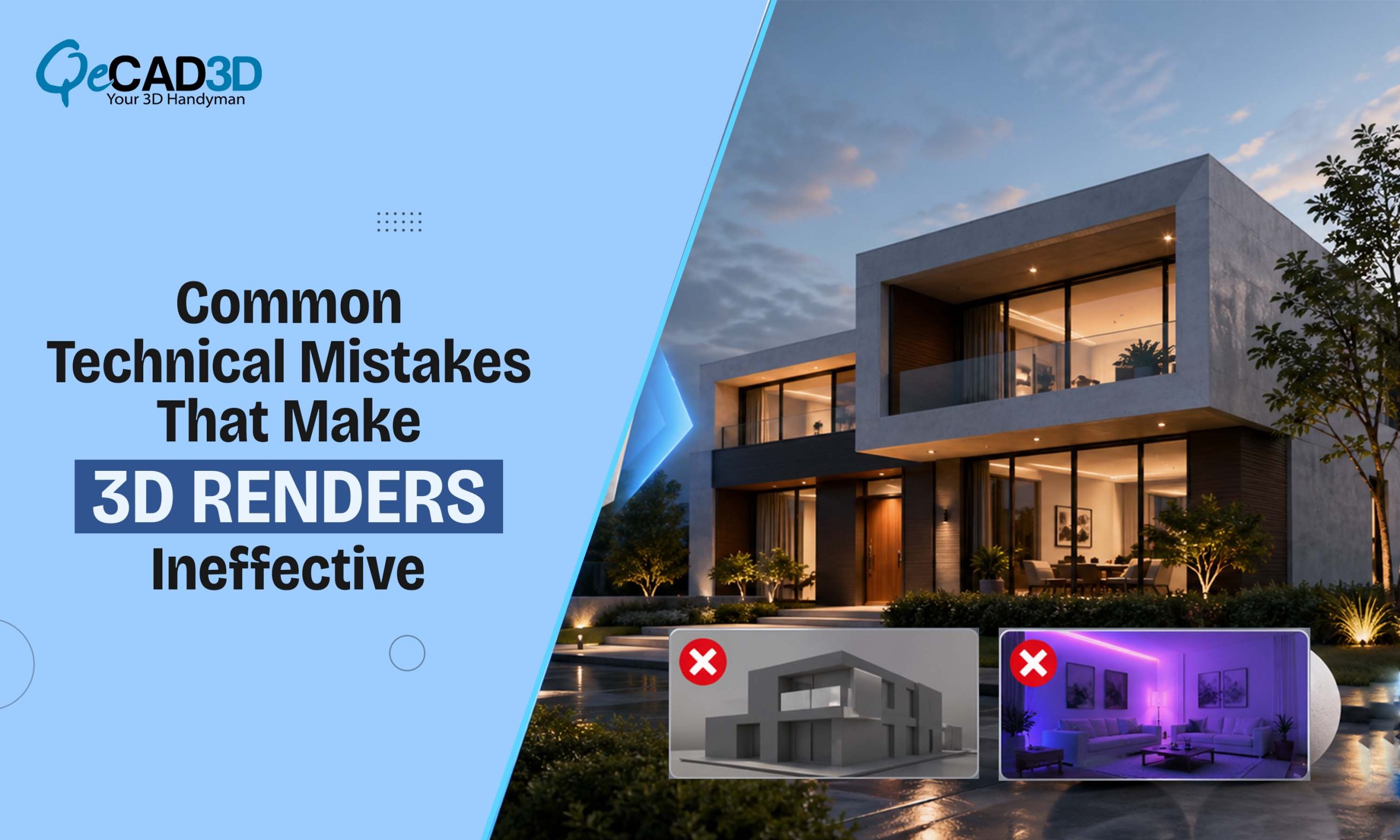
Common Technical Mistakes That Make 3D Renders Ineffective
In today’s AEC and real estate landscape, 3D rendering is no longer just a presentation tool—it’s a decision-making asset. Yet, despite the advanced software and skilled teams, many renders still fail to resonate with the clients. The issue isn’t always the technical capability; it’s often a misalignment between the visualization intent and the client perception.
Let’s break down where things go wrong—and how to fix them.
- Overemphasis on Aesthetics, Underperformance in Communication
A visually “stunning” render isn’t automatically an effective one. Many teams focus heavily on the dramatic lighting, saturated skies and stylized compositions but miss the core purpose: communicating design intent clearly.
The Problem:
- → Unrealistic lighting setups that misrepresents the actual site conditions
- → Overuse of depth of field or lens effects that obscure the key details
- → Excessive post-processing that detaches the render from the reality
The Fix:
Renders should balance the visual appeal with the architectural accuracy. Clients aren’t just evaluating the beauty—they’re assessing the feasibility, scale and usability.
- Lack of Contextual Integration
A building doesn’t exist in isolation. One of the biggest reasons that renders fail is the absence of the proper site context.
The Problem:
- → Generic surroundings that don’t reflect the actual environment
- → Incorrect scale relationships between the building and adjacent elements
- → Missing urban context like roads, vegetation, neighbouring structures
The Fix:
High-quality Exterior Rendering Services prioritize:
- → Real-world site data integration (GIS, drone imagery, or site photography)
- → Accurate topography and environmental conditions
- → Context-aware lighting based on geographic location
This transforms a render from a “concept image” into a believable preview of reality.
- Poor Material Definition and PBR Inaccuracy
Physically Based Rendering (PBR) workflows have become standard, yet many renders still suffer from the unrealistic materials.
The Problem:
- → Incorrect reflectivity and roughness values
- → Flat textures lacking depth (no normal/displacement maps)
- → Repetitive tiling patterns that break realism
The Fix:
Material realism depends on:
- → Proper use of albedo, roughness, metallic and normal maps
- → Real-world reference matching (e.g., how concrete ages or how glass reflects surroundings)
- → Micro-detailing—imperfections, weathering and subtle variation
Clients subconsciously detect these inconsistencies, even if they can’t articulate them.
- Ineffective Lighting Strategy
Lighting is the single most critical factor in rendering realism—and also the most misused.
The Problem:
- → Overexposed highlights or crushed shadows
- → Incorrect sun positioning relative to site orientation
- → Artificial lighting that lacks falloff and intensity realism
The Fix:
- → Use HDRI maps aligned with geographic location
- → Simulate real-world sun paths and time-of-day scenarios
- → Balance global illumination with artificial lighting for interiors/exteriors
A well-lit render doesn’t just look good—it feels believable.
- Weak Camera Composition and Storytelling
Rendering isn’t just technical—it’s cinematic. Poor camera placement can undermine even the most detailed model.
The Problem:
- → Eye-level shots that don’t highlight design strengths
- → Lack of focal hierarchy—everything competes for attention
- → No narrative or user journey
The Fix:
Think like a filmmaker:
- → Use leading lines, framing, and perspective depth
- → Highlight key architectural features intentionally
- → Create a sequence of views that guide the client through the space
This is where 3D Walkthrough Services become powerful—offering not just visuals, but experiential storytelling.
- Ignoring Human Scale and Activity
Renders without life feel sterile—and clients struggle to connect with them.
The Problem:
- → Missing or poorly scaled human figures
- → No activity or environmental interaction
- → Static, lifeless environments
The Fix:
- → Add context through people, vehicles, and movement
- → Reflect real-world usage scenarios (day/night, occupancy variations)
- → Ensure scale accuracy—this directly impacts spatial perception
A render should answer: “What does it feel like to be here?”
- Misalignment with Client Expectations
Sometimes, the failure isn’t visual—it’s strategic.
The Problem:
- → Lack of clarity on the render’s purpose (marketing vs approvals vs design validation)
- → No alignment on level of detail (LOD)
- → Inconsistent feedback loops
The Fix:
Define early:
- → Target audience (investors, end-users, authorities)
- → Output type (still render, animation, walkthrough)
- → Level of realism vs conceptual abstraction
Successful visualization is collaborative, not just creative.
- Technical Limitations in Workflow Integration
Disconnected workflows often result in inconsistencies between design models and final renders.
The Problem:
- → Rebuilding models instead of using BIM/CAD data
- → Loss of accuracy during format conversions
- → Lack of coordination between design and visualization teams
The Fix:
- → Integrate rendering pipelines with BIM workflows
- → Use real-time engines (Unreal, Twinmotion) for iterative feedback
- → Maintain a single source of truth for geometry and data
This ensures consistency, efficiency, and faster turnaround.
Final Thoughts
The difference between an average render and an impactful one lies in intentionality. It’s not only about curating images—but about delivering clarity, confidence, and conviction to the client.
The real question isn’t whether your renders look good—
but whether they help clients make better decisions.
Key Takeaway:
High-performing visualization teams don’t just render—they simulate reality, communicate design, and influence outcomes.