
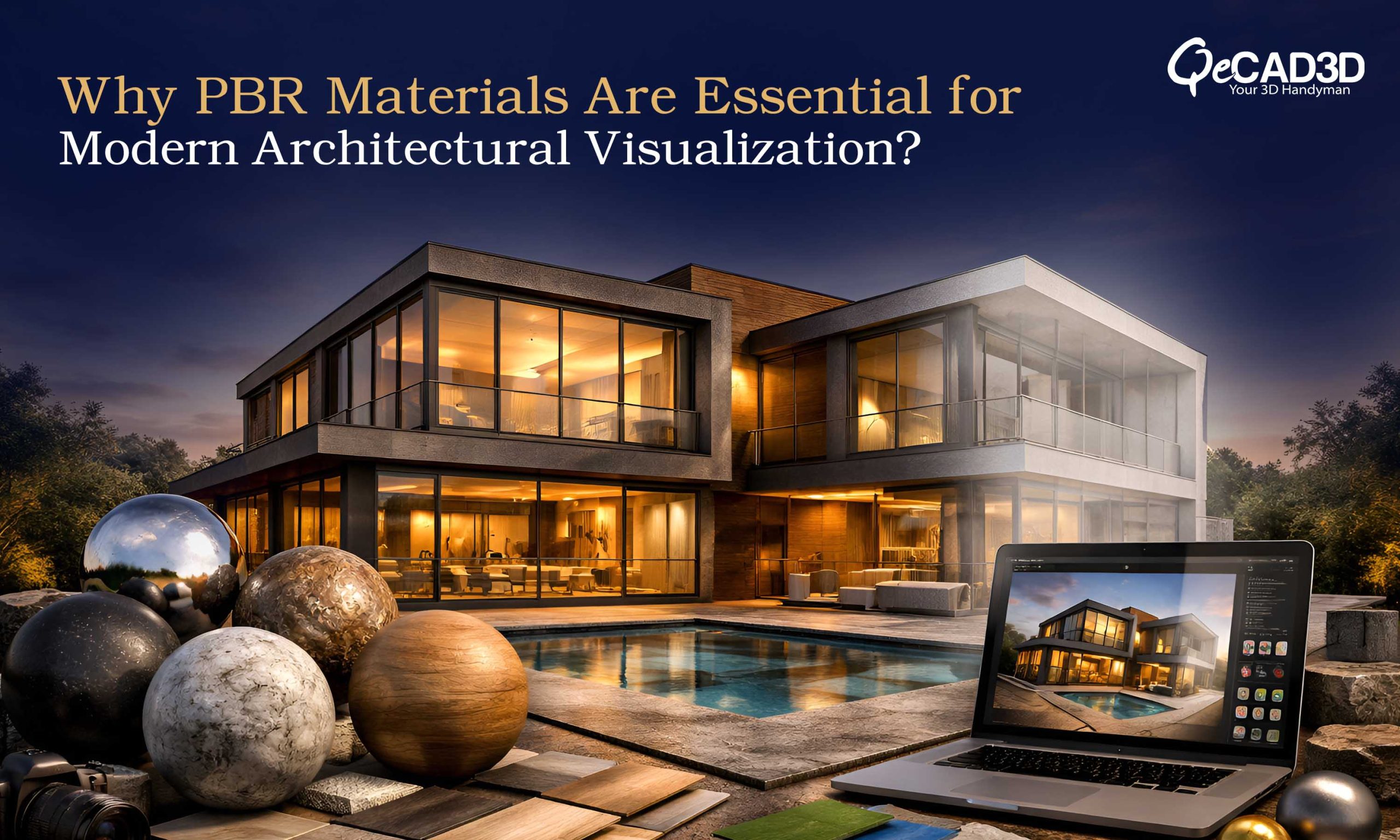
Why PBR Materials Are Essential for Modern Architectural Visualization?
In today’s high-end architectural visualization workflows, realism is no longer optional—it is expected. Whether for design approvals, marketing campaigns or even for the stakeholder presentations, the ability to replicate the real-world material behavior digitally has become a critical differentiator. This is where Physically Based Rendering (PBR) materials plays a transformative role.
PBR has redefined how the materials are created, interpreted and rendered in the architectural visualization thus ensuring that the surfaces respond to the light in a physically accurate and predictable way. For firms offering 3D Visualization Services, leveraging PBR is essential to deliver the photorealistic outputs that align with the real-world expectations.
What Are PBR Materials?
PBR (Physically Based Rendering) materials are designed to simulate how the light interacts with the surfaces based on the real-world physics. Instead of relying on the artistic approximations, PBR uses measurable properties to define how a material reflects, absorbs and even scatters the light.
This approach ensures:
- Consistency across different lighting environments
- Realistic surface response under varying conditions
- Accurate material representation across multiple render engines
In architectural visualization, this means that a marble surface, metallic façade or even a wooden flooring will behave as it would in reality—regardless of the scene setup.
Core Components of PBR Materials
To understand the PBR materials, it’s important to break down the key texture maps that defines them:
- Albedo (Base Color) Map
- Captures the material’s inherent color, unaffected by lighting conditions or shadow effects.
- Free from the highlights or baked-in shading
- Critical for maintaining the color accuracy in renders
- Roughness Map
- Defines how smooth or rough a surface is
- Lower roughness = sharper reflections (e.g., polished stone)
- Higher roughness = diffused reflections (e.g., concrete)
- Metalness Map
- Determines if a surface is likely a metal or non-metal
- Metals reflects the light differently and do not have diffused color in the same way as non-metals
- Normal Map
- Simulates surface detail without increasing the geometry complexity
- Adds realism to the textures like brick joints, wood grains or stone imperfections
- Displacement (Height) Map
- Physically alters the geometry at render time
- Used for high-detail surfaces such as cobblestone pathways or façade panels
- Ambient Occlusion (AO) Map
- Enhances shadowing in crevices and corners
- Improves depth perception and realism
Why PBR Matters in Architectural Visualization?
- Photorealism at Scale
PBR ensures that the materials look realistic under all lighting conditions—daylight, artificial lighting or HDR environments. This is especially crucial in Exterior Rendering Services, where environmental lighting plays a dominant role.
- Consistency Across Platforms
Whether using Unreal Engine, V-Ray, Lumion or Blender, PBR materials maintain consistent results thus reducing the reworks and improving the pipeline efficiency.
- Accurate Design Representation
Architects and designers can trust that what they see in renders closely matches the real-world material performance hence minimizing the design discrepancies during construction.
- Enhanced Client Communication
Photorealistic visuals helps the clients to better understand the design intent, materials and finishes thereby leading to faster approvals and fewer revisions.
Real-World Applications in AEC Projects
Residential Projects
- Realistic wood, glass and fabric materials for interior and exterior views
- Accurate lighting interaction for day/night render comparisons
Commercial Developments
- High-fidelity façade materials like metal panels, curtain walls and stone cladding
- Reflection accuracy for glass-heavy skyscrapers
Landscape and Urban Design
- Natural materials such as soil, grass and water surfaces behaving dynamically under different lighting conditions
PBR Workflow in Architectural Visualization
A typical PBR workflow involves:
- Material Reference Collection
Gathering real-world samples, manufacturer data or site photos - Texture Creation or Sourcing
Using tools like Substance 3D, Quixel or scanned material libraries - Material Calibration
Adjusting roughness, reflectivity and scale to match the real-world references - Lighting Integration
Testing materials under HDRI and artificial lighting setups - Rendering & Validation
Ensuring materials behave consistently across views and perspectives
Key Challenges and Practical Solutions
- Incorrect Texture Scaling
Issue: Materials appear unrealistic due to improper scale
Solution: Always match the texture scale with real-world dimensions
- Overuse of Glossy Surfaces
Issue: Unrealistically shiny renders
Solution: Use roughness maps accurately—most real-world surfaces are not perfectly reflective
- Poor Quality Texture Maps
Issue: Low-resolution textures reduces realism
Solution: Use high-resolution (2K/4K) PBR textures for close-up shots
- Ignoring Lighting Context
Issue: Materials look different in final render
Solution: Test materials under multiple lighting conditions early in the workflow
The Future of PBR in Architectural Visualization
With advancements in the real-time rendering and AI-driven material generation, PBR is evolving rapidly. Advancements such as ray tracing and digital twins are elevating realism to unprecedented levels.
In future, we can expect:
- Real-time PBR rendering for interactive walkthroughs
- Integration with the BIM workflows for material data accuracy
- AI-assisted material creation based on real-world scans
Conclusion
PBR materials have become the backbone of modern architectural visualization thus enabling the professionals to create highly realistic and reliable visual outputs. By accurately simulating how the materials interact with light, PBR not only enhances the visual quality but also improves design communication and decision-making.
For firms delivering 3D Visualization Services and Exterior Rendering Services, mastering PBR workflows is no longer a competitive advantage but an industry standard. As client expectations continue to rise, the ability to produce the visually compelling and technically accurate renders will define the success in the AEC visualization landscape.